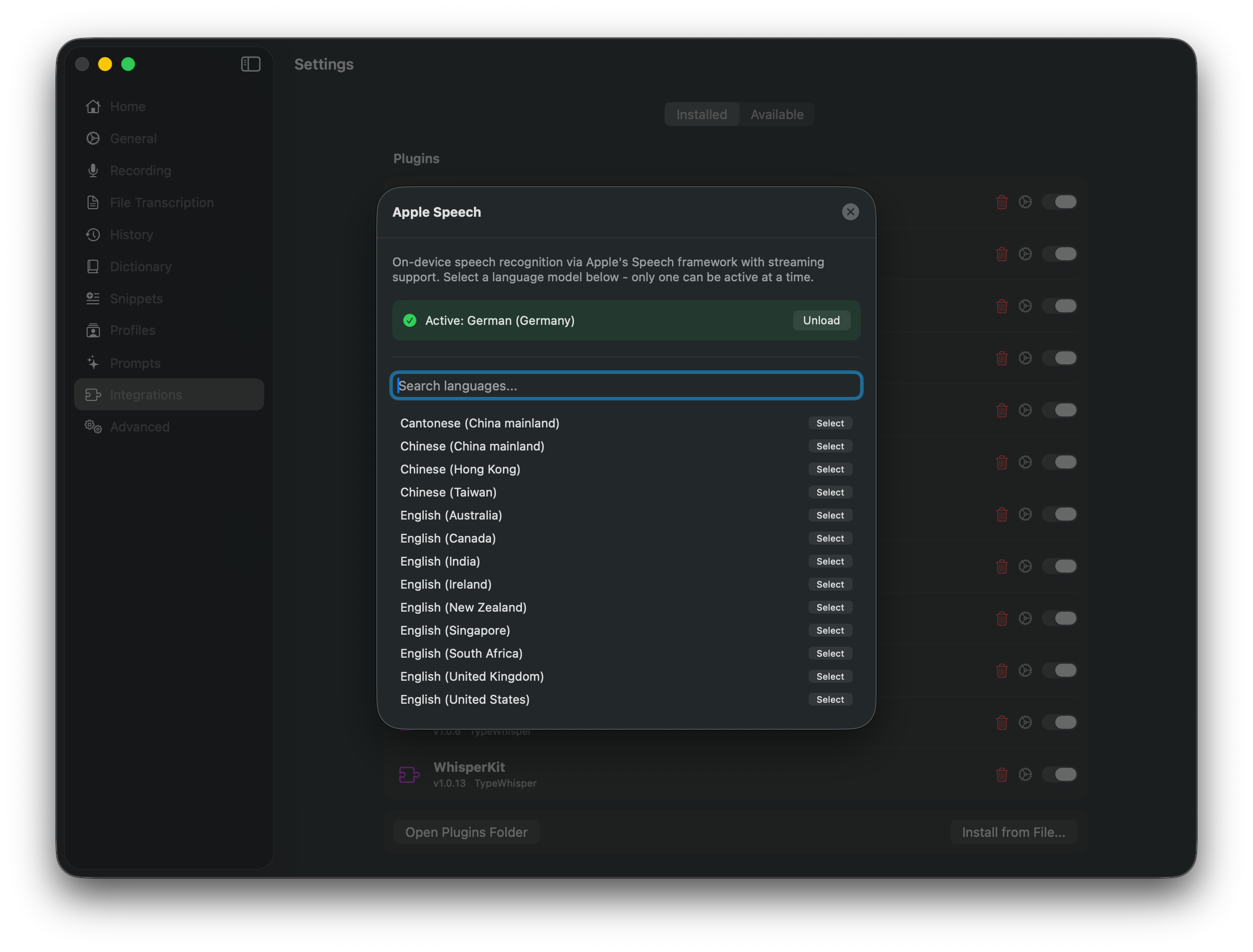
Apple Speech uses Apple’s native Speech framework for fully on-device speech recognition. It provides real-time streaming with interim results and automatically manages language model downloads. Requires macOS 26.0 or later.
Features
Apple’s native Speech framework
Fully on-device processing
Real-time streaming with interim results
Automatic language model download
No API key or cloud account needed
Transcription Models
Models are managed automatically by the system - one model per language, downloaded on demand.
Configuration
No API key required. Apple Speech runs entirely on-device.
Setup
Make sure you are running macOS 26.0 or later
Open TypeWhisper Settings > Integrations
Find the Apple Speech plugin and enable it
Language models are downloaded automatically when needed
Select Apple Speech as your transcription engine in Settings or in a profile