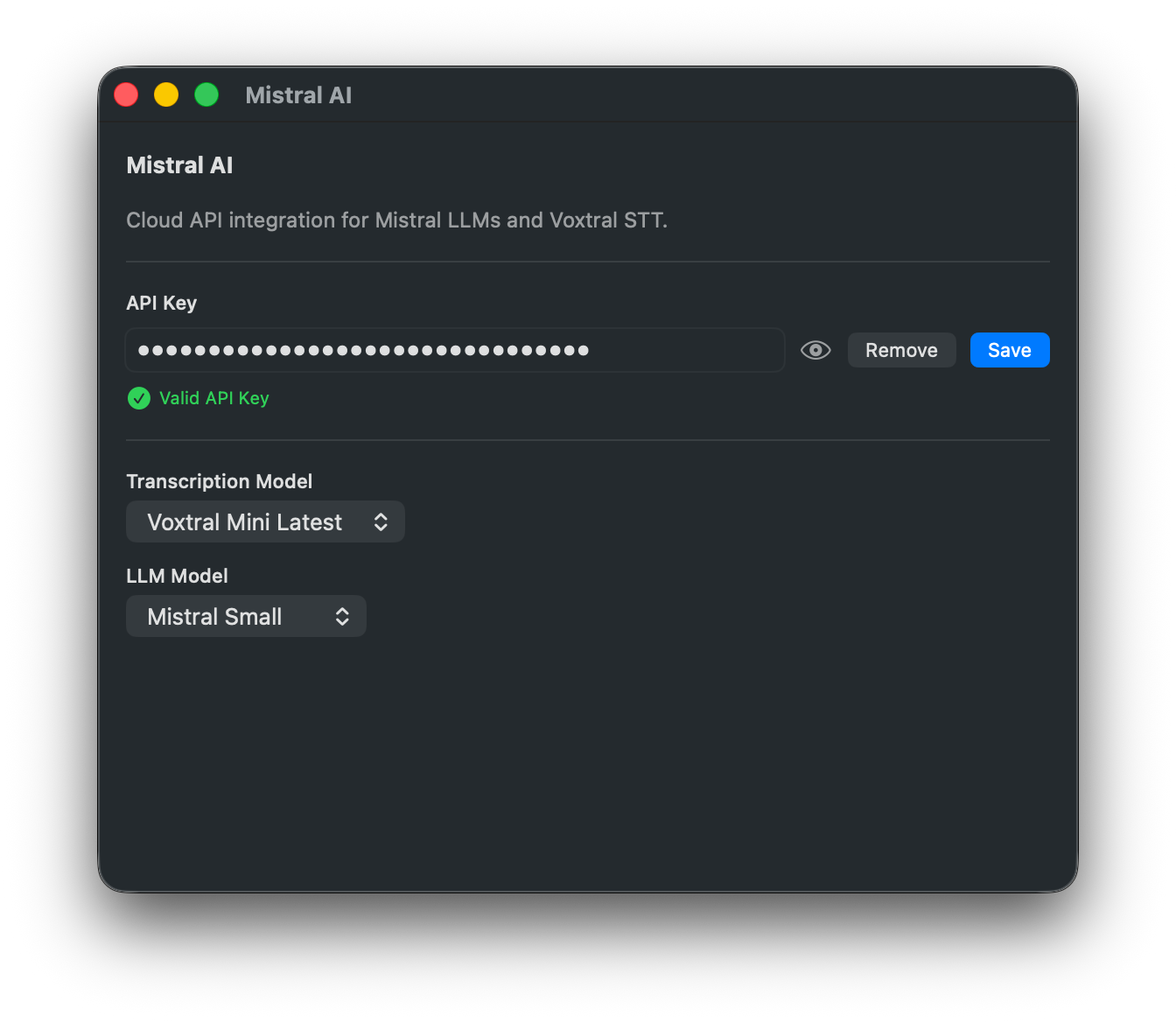
Mistral AI adds a cloud provider for both custom prompt processing and speech-to-text. Use Mistral models for LLM workflows and Voxtral for cloud transcription from the same API key.
Features
Mistral LLM provider for custom prompts and post-processing
Voxtral Mini Latest cloud transcription
Separate model selection for transcription and LLM tasks
Built-in API key validation in settings
Secure API key storage in the macOS Keychain
Transcription Models
Model
ID
Voxtral Mini Latest
voxtral-mini-latest
LLM Models
Model
ID
Mistral Large
mistral-large-latest
Mistral Small
mistral-small-latest
Pixtral 12B
pixtral-12b-2409
Ministral 8B
ministral-8b-latest
Ministral 3B
ministral-3b-latest
Configuration
API Key - Create an API key in your Mistral account and paste it into the plugin settings.
Transcription Model - Select the Voxtral transcription model.
LLM Model - Select the Mistral model used by custom prompts.
Setup
Open TypeWhisper Settings > Integrations
Find the Mistral AI plugin and click Configure
Enter your Mistral API key and save it
Select Mistral AI as your transcription engine or LLM provider