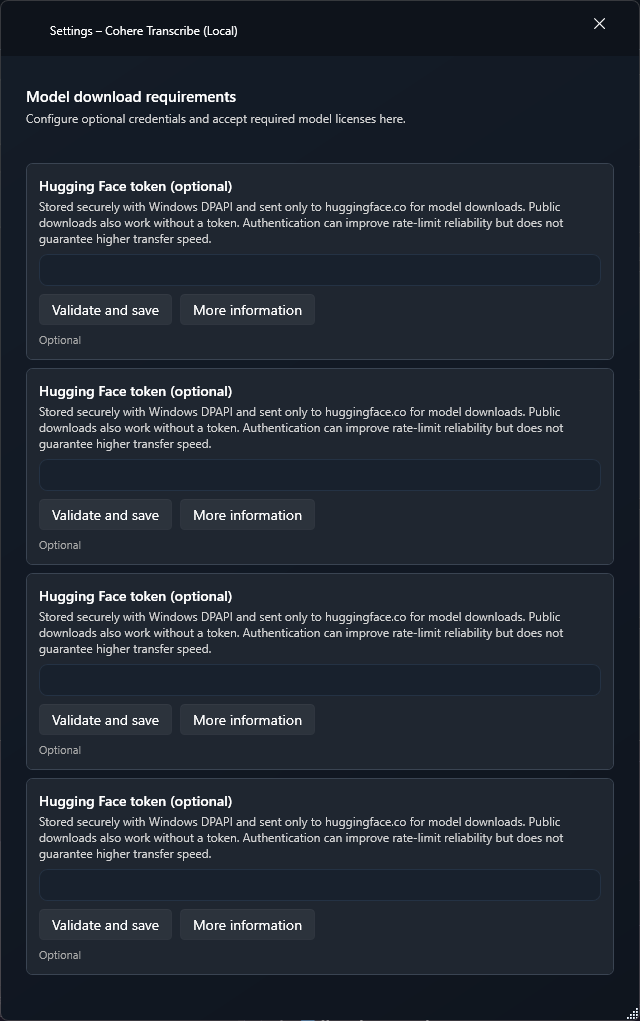
No separate add-on UI; TypeWhisper manages the runtime and model download
Guide for this edition
Set up the add-on and verify its platform-specific capabilities with a first practical workflow.
Roles in TypeWhisper
Transcription
Setup
1Open Settings > Integrations. Install Cohere Transcribe (Local) from Discover if it is not already listed under Installed, then enable it.
2No separate add-on UI; TypeWhisper manages the runtime and model download
3Select Cohere Transcribe (Local) as the transcription engine in general settings, a profile, or a workflow override.
This add-on performs its own storage or processing locally. Model and runtime downloads may need an internet connection. Other steps, such as transcription, memory extraction or workflow prompts, use their separately configured providers.