Automatic REST fallback when streaming is unavailable
Active dictionary terms passed to the provider
Settings in this edition
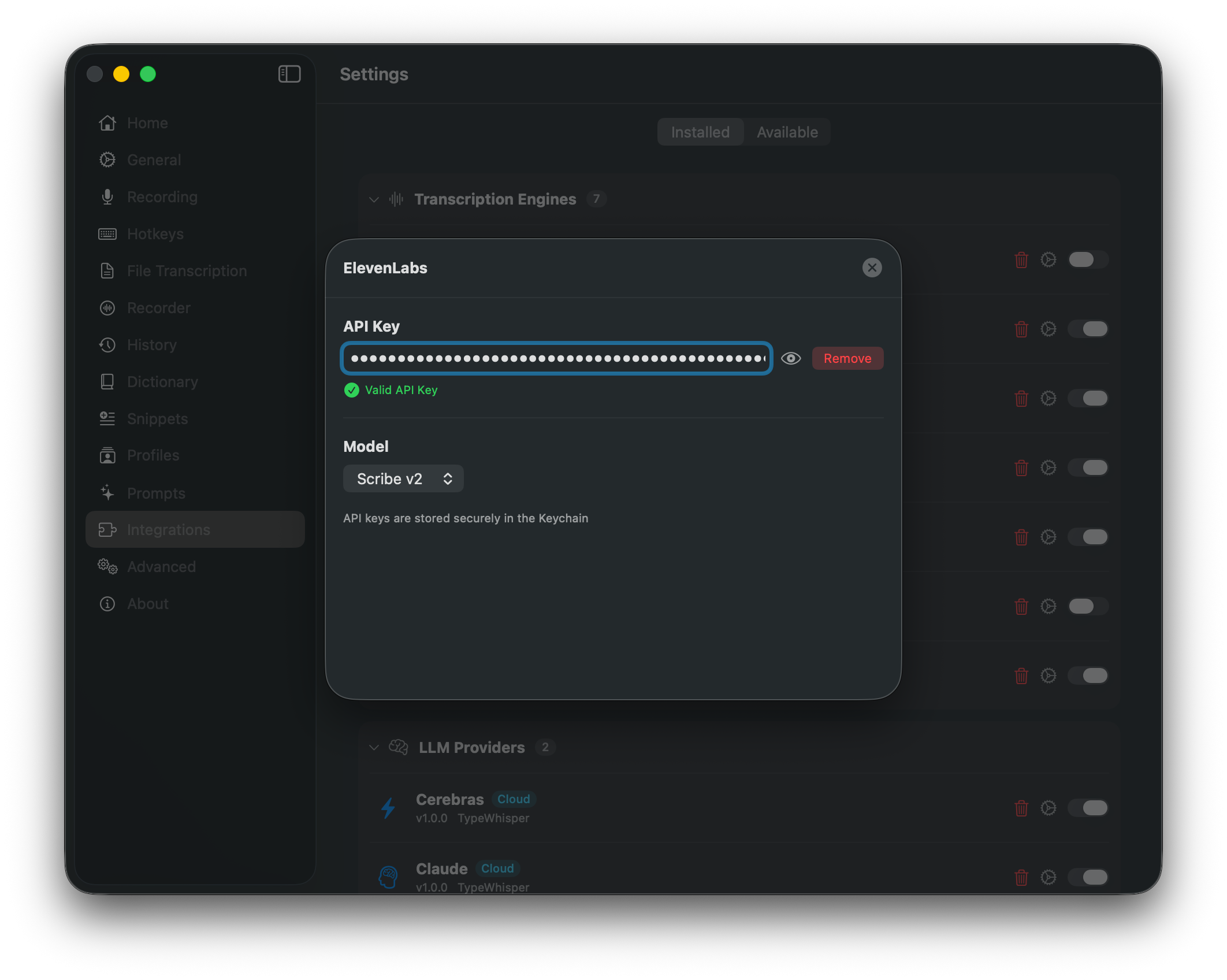
Store, validate, or remove the API key in macOS Keychain
Choose the Scribe model and automatic realtime/REST or REST-only mode
About
ElevenLabs adds cloud speech-to-text to TypeWhisper through the Scribe v2 API. The plugin is focused on fast live transcription: it uses realtime WebSocket streaming when available and automatically falls back to the REST endpoint if the streaming connection fails.
Features
Scribe v2 transcription engine
Low-latency realtime streaming for live dictation previews
Automatic REST fallback for reliability
Broad multilingual coverage with automatic language detection
API key validation in the configuration UI
API keys stored securely in the macOS Keychain
Transcription Models
Model
ID
Scribe v2
scribe_v2
Configuration
API Key - Create an ElevenLabs API key in your account dashboard.
Setup
Open TypeWhisper Settings > Integrations
Find the ElevenLabs plugin and click Configure
Enter your ElevenLabs API key
Keep Scribe v2 selected as the transcription model
Select ElevenLabs as your transcription engine in Settings or in a profile