

Tutorials
Watch it work. Then set it up.
Short videos that show one TypeWhisper feature at a time, recorded in the real app, with captions and the steps to follow along.
macOS
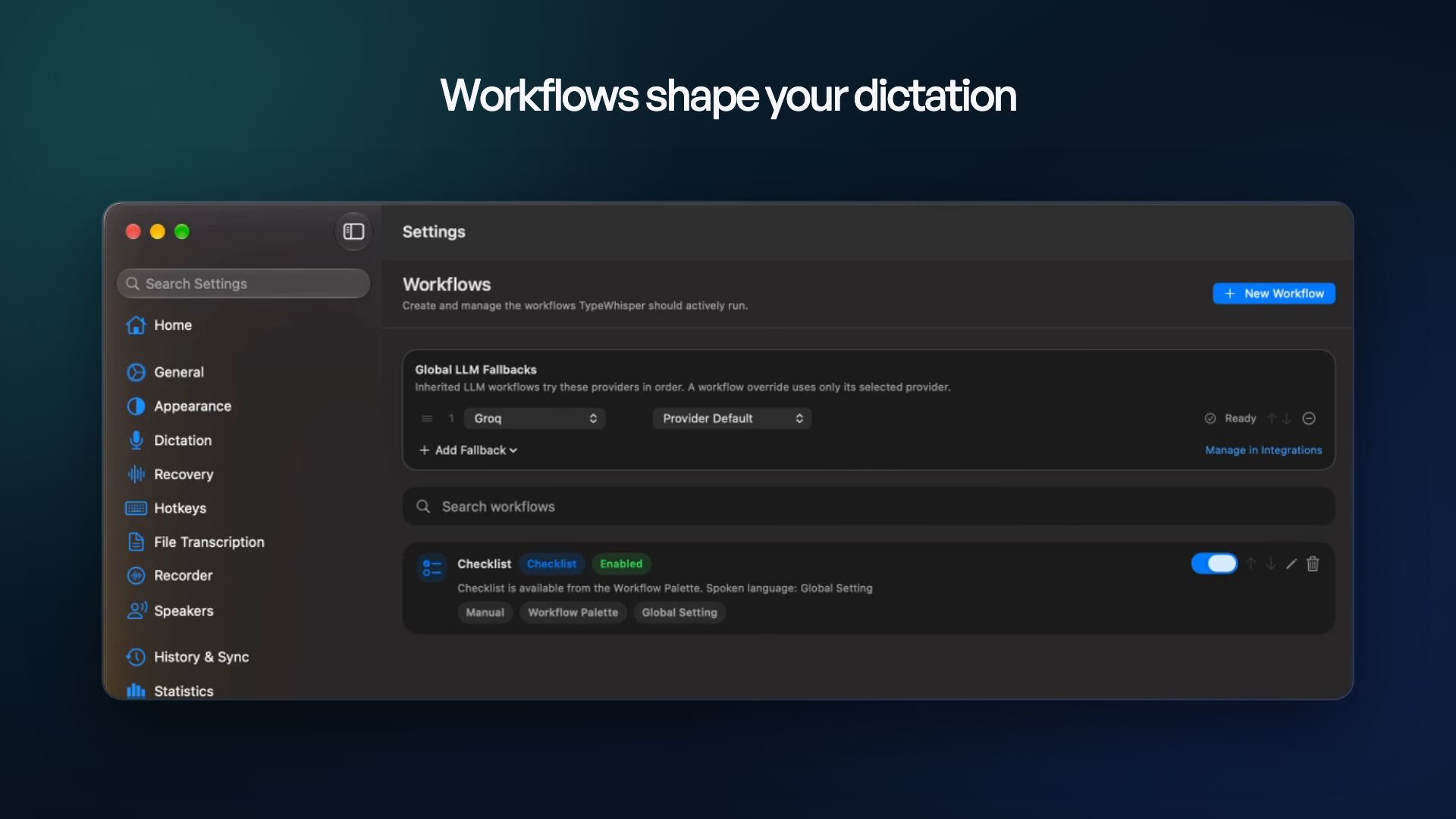 1:13Turn spoken notes into an email replyBuild your first workflow: an Email Reply workflow that runs whenever you dictate in Mail and turns rough spoken notes into a finished reply.
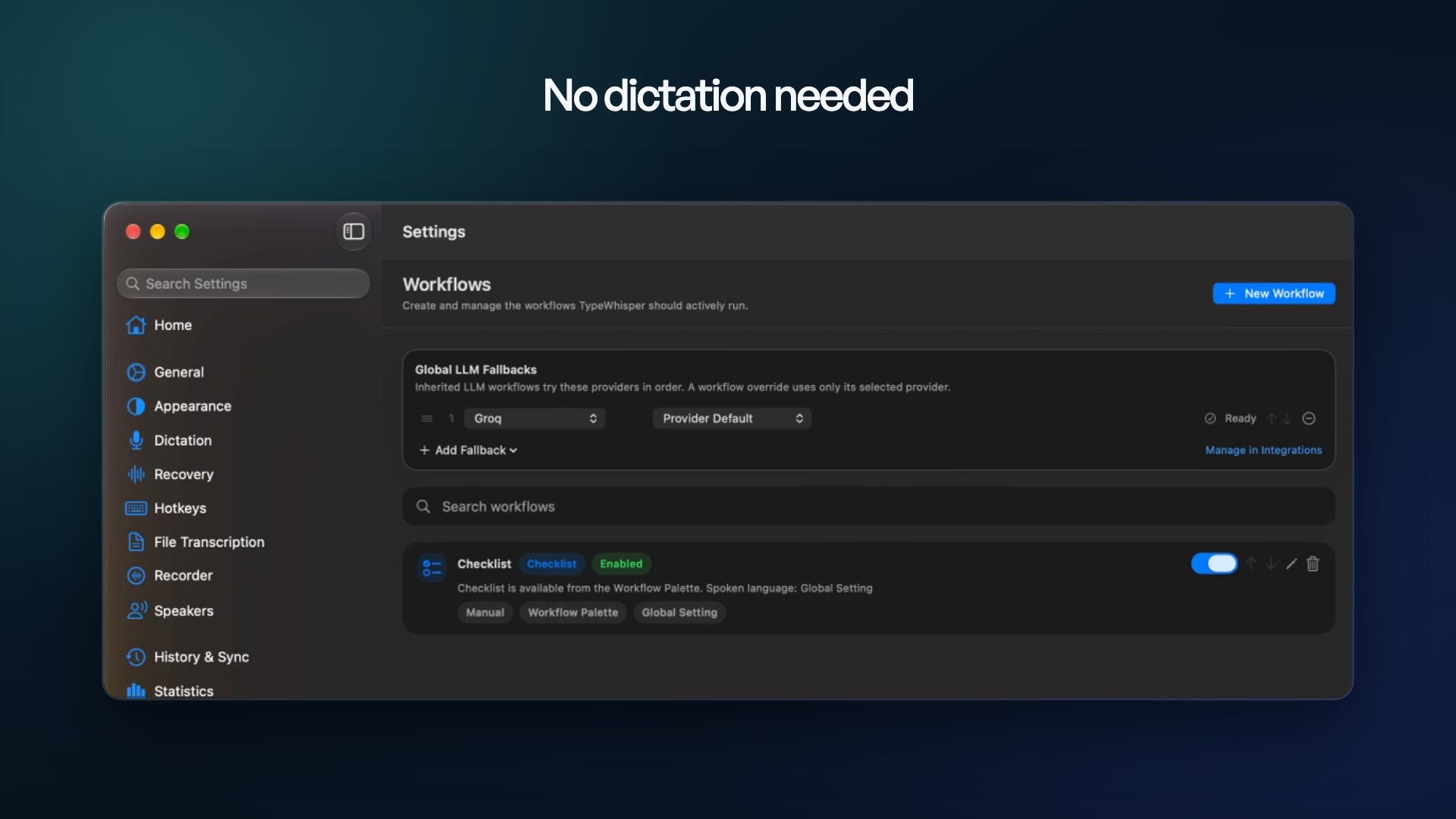 0:59Translate selected text with a shortcutGive a Translation workflow its own shortcut. Select text in any app, press the shortcut, and the translation replaces it, without dictating.
iOS
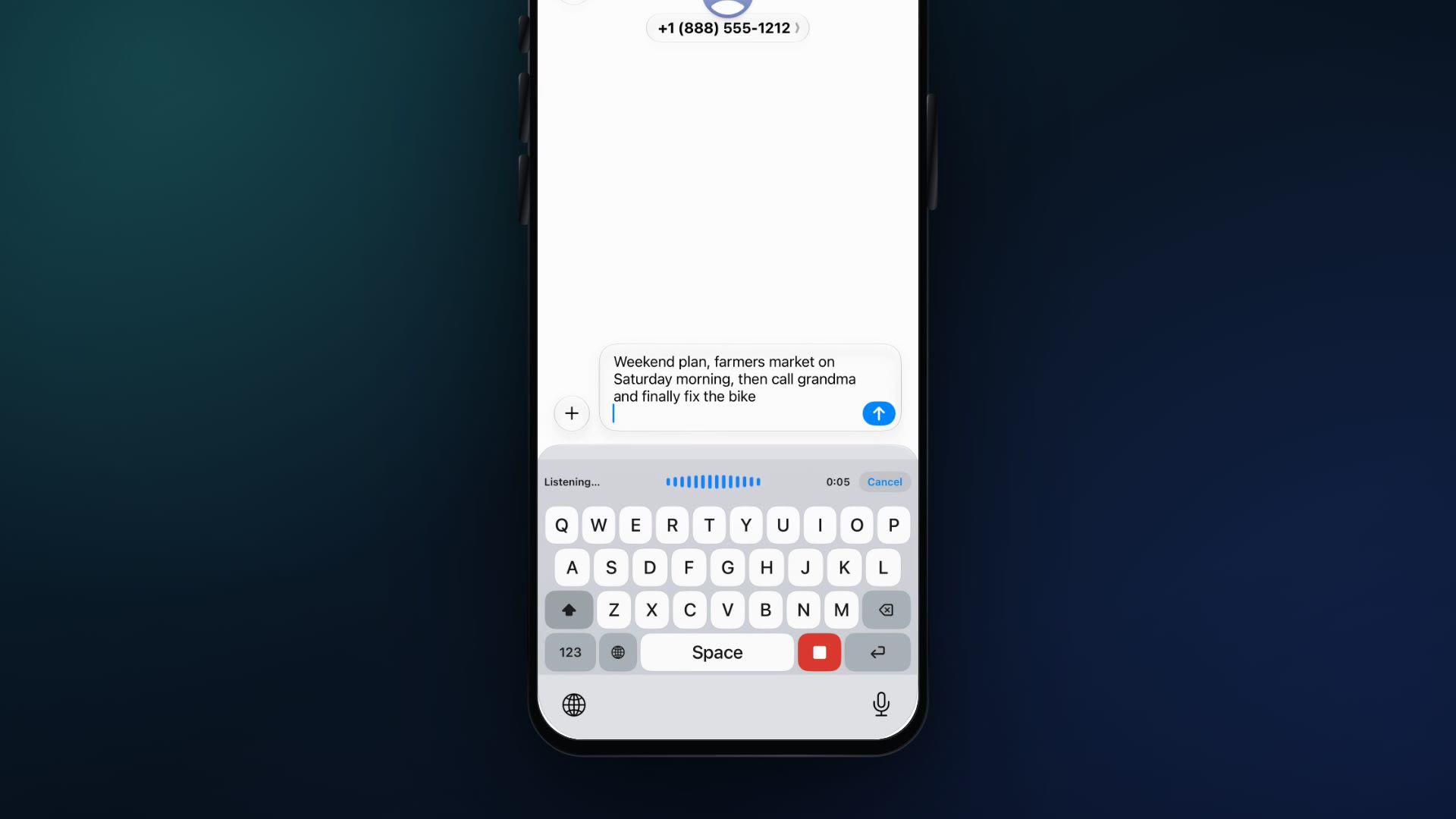 3:03Set up the TypeWhisper keyboard and dictate into other appsTurn on the TypeWhisper keyboard on iPhone and iPad, dictate into other apps, and see why the app opens on the first dictation and how the keyboard then stays ready.
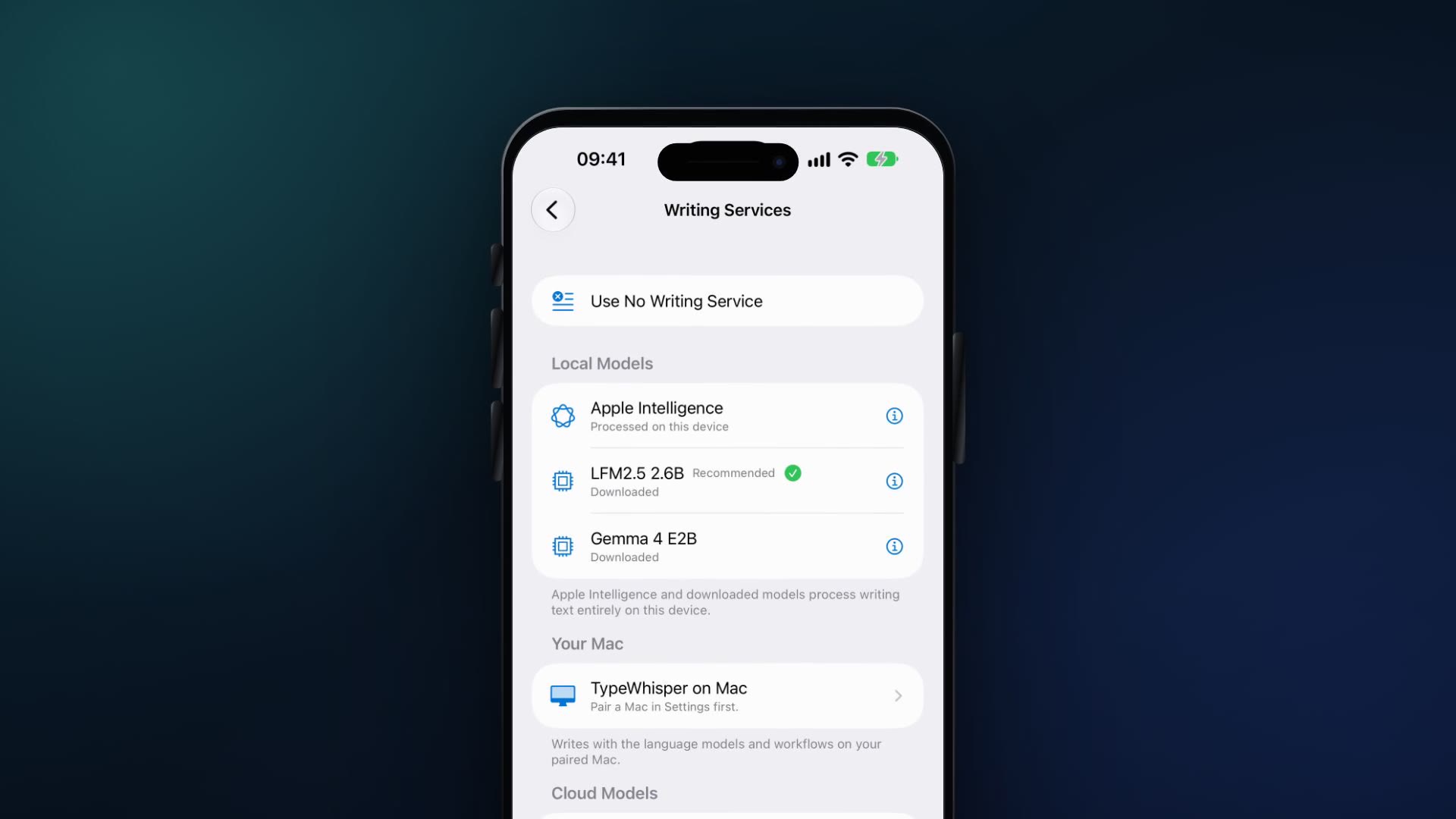 1:22Compare the local writing models on iPhoneRun the same voice memo through LFM2.5 and Gemma 4 E2B as an email in File Transcription, then keep the writing model that writes like you.