Skip to content
All platform editions

Platform edition

Filler Words for macOS

Bundled

Locally removes configurable English, German, and Japanese filler words from transcriptions.

Version
1.0.1
Plugin ID
com.typewhisper.filler-words
Requirements
TypeWhisper 1.0.0 or newer · macOS 14.0 or newer

Inside this edition

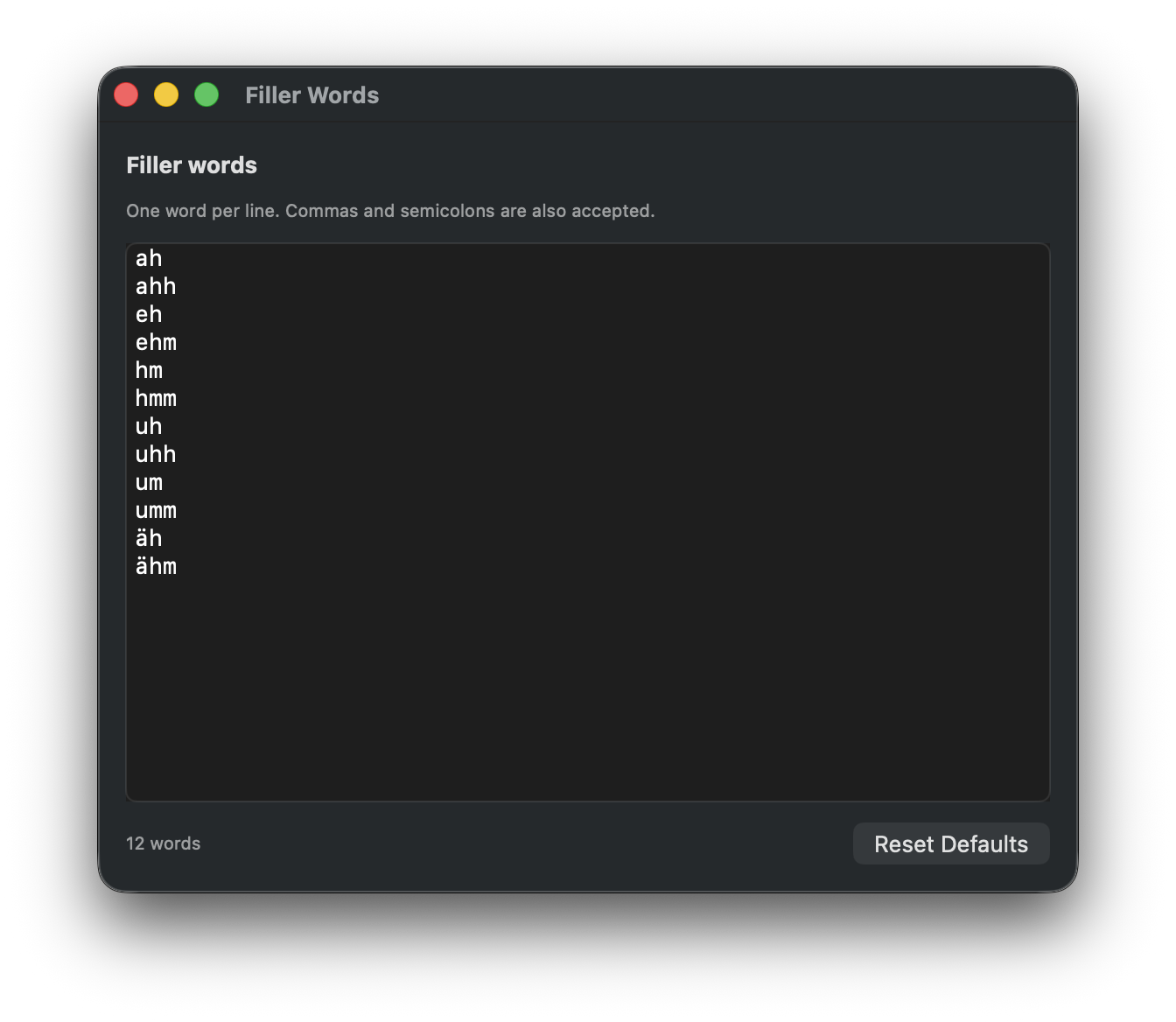
Filler Words macOS settings

Features in this edition

  • Local post-processing without API keys
  • Configurable English, German, and Japanese filler words
  • Case-insensitive matching
  • Awareness of word boundaries and adjacent punctuation

Settings in this edition

  • Enter filler words one per line or separate them with commas and semicolons

About

Filler Words removes configurable filler words from dictated text after transcription and before the final text is inserted. It is useful for cleaning up spontaneous speech without sending text to an external service or writing a custom script.

The plugin matches words case-insensitively, respects word boundaries, and can remove adjacent punctuation around filler words such as “um,” or “uh.” The built-in defaults cover common English, German, and Japanese fillers.

Features

  • Removes filler words after transcription
  • Configurable word list
  • Case-insensitive matching
  • Preserves normal words such as “umbrella” or “summer”
  • Removes adjacent punctuation around matched filler words

  • Works fully locally without API keys

Default Filler Words

ah
ahh
eh
ehm
hm
hmm
uh
uhh
um
umm
äh
ähm
えっと
えーっと
ええと
えーと
えと
なんか
まぁ
まあ
あのー
あのぉ
そのー
そのぉ
うーん
うーむ

Configuration

  • Filler words - One word per line. Commas and semicolons are also accepted.
  • Reset Defaults - Restores the built-in English, German, and Japanese filler word list.

Setup

  1. Open TypeWhisper Settings > Integrations
  2. Find the Filler Words plugin and click Configure
  3. Adjust the filler word list if needed
  4. Transcriptions will be cleaned automatically during post-processing