


Platform editions
Obsidian
Save TypeWhisper transcriptions as Markdown notes directly inside your Obsidian vault.
Choose your platform
This add-on has separate macOS and Windows editions. Each page documents the features, settings, requirements, and screenshots for that platform.
macOS
v1.2.0
Save dictations and Recorder transcripts as customizable Markdown notes in your Obsidian vault, with templates, auto-export, and live sync.
- Customizable Markdown note templates
- Auto-export for dictations, Recorder transcripts, or both
- Meeting notes with title and attendees in the frontmatter
- Live sync for later History corrections
Windows
v1.0.0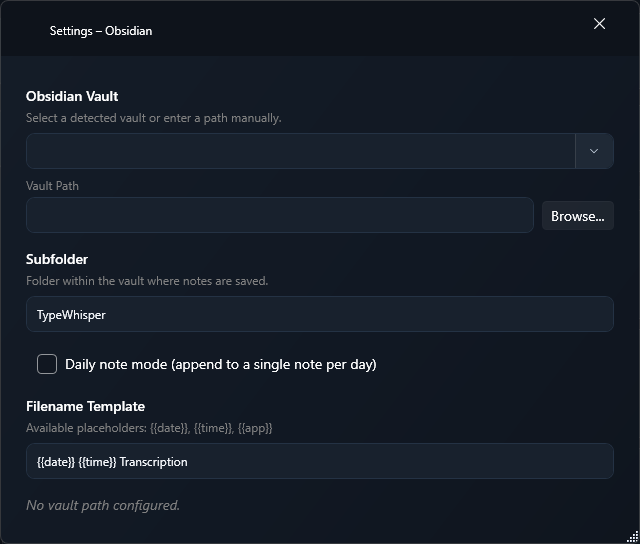
Save workflow results through the Save to Obsidian action target as new Markdown notes in your vault.
- Workflow action target Save to Obsidian
- A new Markdown note with YAML frontmatter for every run
- Custom note folder and filename template
- Existing notes are never overwritten

