Store memories and vectors locally in vector-memories.json
Semantic search with text-embedding-3-small
Send memory text and search queries to OpenAI for embeddings
No OpenAI Vector Store or Vector Store ID required
Settings in this edition
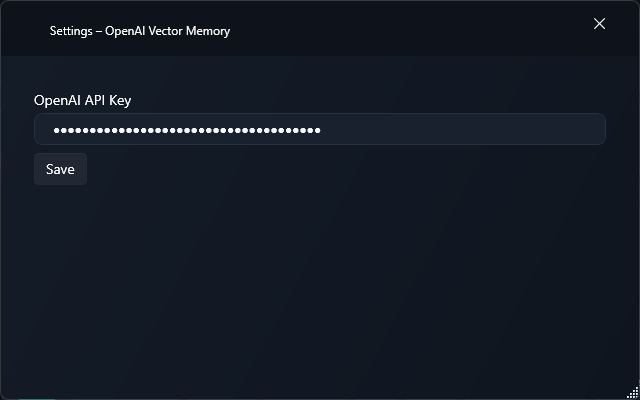
Provide an OpenAI API key for the embeddings API
Guide for this edition
Set up the add-on and verify its platform-specific capabilities with a first practical workflow.
Roles in TypeWhisper
Memory
Setup
1Open Settings > Integrations. Install OpenAI Vector Memory from Discover if it is not already listed under Installed, then enable it.
2Open the add-on settings and review the options available in this edition.
3Provide an OpenAI API key for the embeddings API
4The Windows add-on implements memory storage, but the reviewed Windows host does not connect automatic extraction and retrieval to the dictation flow. Enabling the memory switch alone does not establish that workflow.
Memories and vectors are stored locally. Memory text and search queries are sent to OpenAI to generate embeddings.