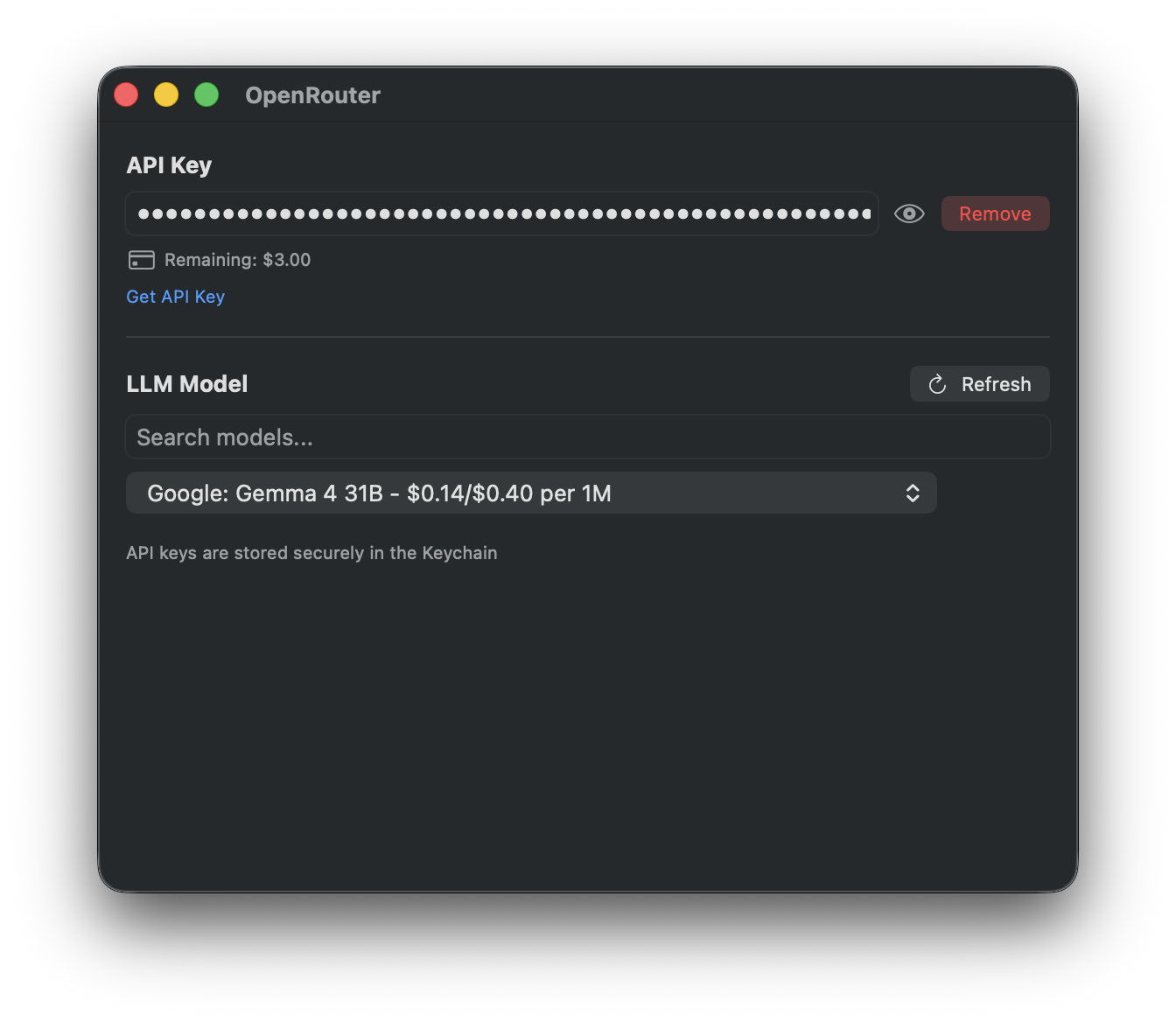
Store, validate, or remove the API key in macOS Keychain
Search transcription and LLM models, view pricing and balance, and set temperature
About this edition
OpenRouter connects TypeWhisper to cloud transcription models and LLMs through one API key. The macOS edition provides separate searchable model catalogs, pricing, and account balance information.
Setup
Open Settings > Integrations > OpenRouter.
Save and validate your OpenRouter API key.
Refresh the model catalogs and choose a transcription model for speech or an LLM for text workflows.
Check the displayed model prices and account balance.
Select OpenRouter in the corresponding transcription or LLM field of your workflow.
Transcription and model selection
Only compatible audio models appear in the transcription catalog. The macOS edition uses a suitable transcription endpoint or an audio-chat path; unsupported routes can trigger a fallback. Transcription does not support translation requests.
The catalog and your API access determine available models. Pricing and balance information comes from OpenRouter. Audio or workflow text is sent through OpenRouter to the selected provider.