

All platform editions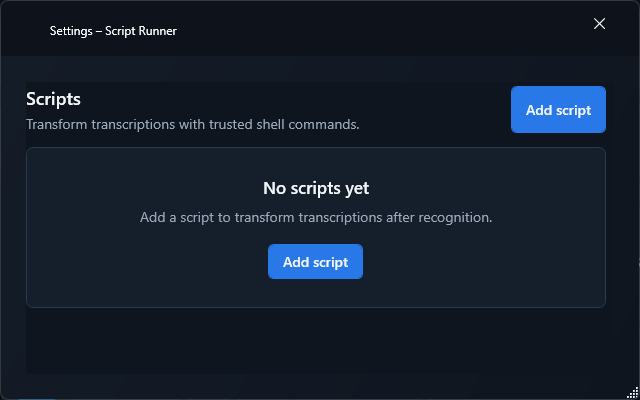
Platform edition
Script Runner for Windows
BundledProcesses transcriptions with multiple managed cmd, PowerShell, or pwsh scripts.
- Version
- 1.1.0
- Plugin ID
- com.typewhisper.script
- Requirements
- TypeWhisper for Windows · Windows 10 or newer
Inside this edition

Features in this edition
- Post-processing of transcription text
- Multiple sortable script configurations
- Built-in test runs with output and exit code
- Support for cmd, PowerShell, and pwsh
Settings in this edition
- Create, order, and test scripts; choose shell, command, and timeout for each
Guide for this edition
Set up the add-on and verify its platform-specific capabilities with a first practical workflow.
Roles in TypeWhisper
Post-Processing
Setup
- 1Open Settings > Integrations. Install Script Runner from Discover if it is not already listed under Installed, then enable it.
- 2Open the add-on settings and review the options available in this edition.
- 3Create, order, and test scripts; choose shell, command, and timeout for each
- 4Enable the add-on and test its configuration before using it in the post-processing pipeline for dictations.
Whether content stays local depends on the configured server, script, or destination. Remote services receive the data passed to them.