Profiles
Configure per-application transcription settings that activate automatically.
How Profiles Work
When you start dictating, TypeWhisper matches the active application's bundle ID against your profiles. For browser-based apps, it also matches the current domain. If a match is found, the profile's overrides are applied automatically. The active profile name is shown as a badge in the recording overlay.
Matching
Profiles match using the app's bundle ID (e.g., com.apple.mail) and optionally a domain for browser tabs (e.g., github.com). Subdomain matching is supported - a rule for github.com also matches gist.github.com.
Priority
When multiple profiles could match, the most specific one wins:
- Bundle ID + Domain (most specific)
- Bundle ID only
- Default settings (fallback)
Creating a Profile
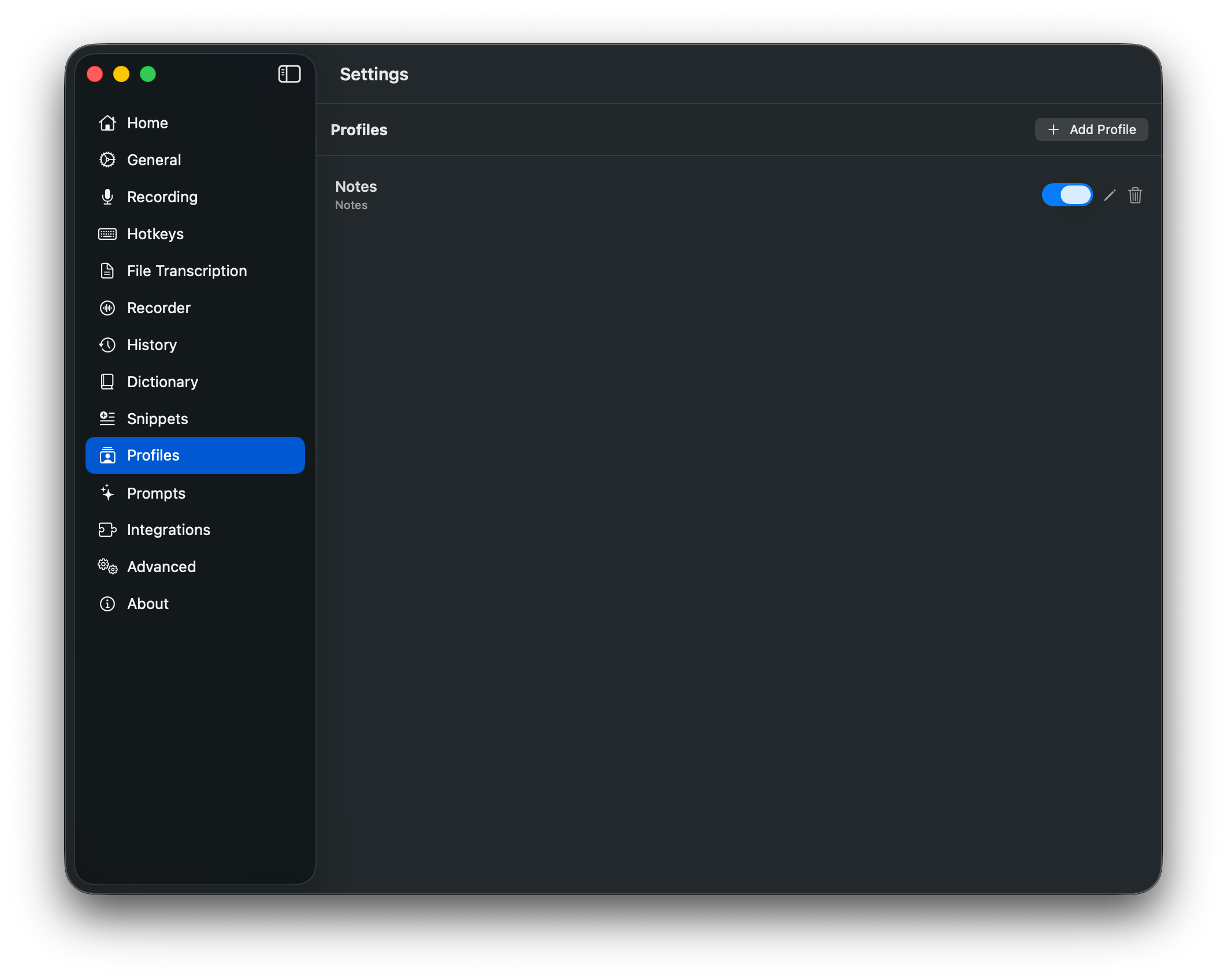
Go to Settings > Profiles and click "Add Profile". Assign one or more applications, then configure your overrides:
- • Language - Override the transcription language
- • Task - Transcribe or Translate (WhisperKit only)
- • Engine - WhisperKit, Parakeet TDT, Apple SpeechAnalyzer (macOS 26+), or any add-on engine
- • Whisper Mode - Boosted microphone gain
- • Hotkey - Dedicated hotkey for this profile
- • Prompt - AI text processing prompt override
- • Prompt Provider - LLM provider override for this profile
Per-Profile Hotkeys
Each profile can have its own dedicated hotkey. Press the profile-specific hotkey to start recording with that profile's settings, regardless of which app is currently active. This lets you bypass automatic matching and force a specific configuration on demand.
Prompt Override
Assign a custom AI prompt to any profile. When the profile activates, transcribed text is automatically processed through the assigned prompt before pasting. You can also override the LLM provider per profile - for example, use Apple Intelligence for quick notes but Groq for detailed summaries.
Multiple Engines
TypeWhisper can keep multiple engines loaded in memory at the same time. When you switch between profiles that use different engines, there is no loading delay. Configure which engines stay loaded in Settings > Advanced.
Example Setups
Mail - German
Language: German, Engine: WhisperKit, Model: Large v3
Slack - English
Language: English, Engine: Parakeet TDT v3
Terminal - Whisper Mode
Whisper Mode: Always on