

Slack & Teams Chat
Reply instantly in Slack, Teams, or Discord - speak your messages and TypeWhisper types them for you.
Spoken, written
From dictation to finished text
You say
uh can we move standup to ten i have a uh dentist appointment at nine thirty
TypeWhisper types
Can we move standup to 10? I have a dentist appointment at 9:30.
Filler words removed, punctuation added
Features
What TypeWhisper brings to it.
Instant Replies
Dictate chat messages directly into the input field - zero delay. Perfect for quick responses.
App-Aware Workflows
Create workflows for Slack, Teams, or Discord with individual language, prompt, and insertion behavior.
Context Switching
Workflows switch automatically based on the active app or website - e.g., English in Slack, German in Teams.
In the app
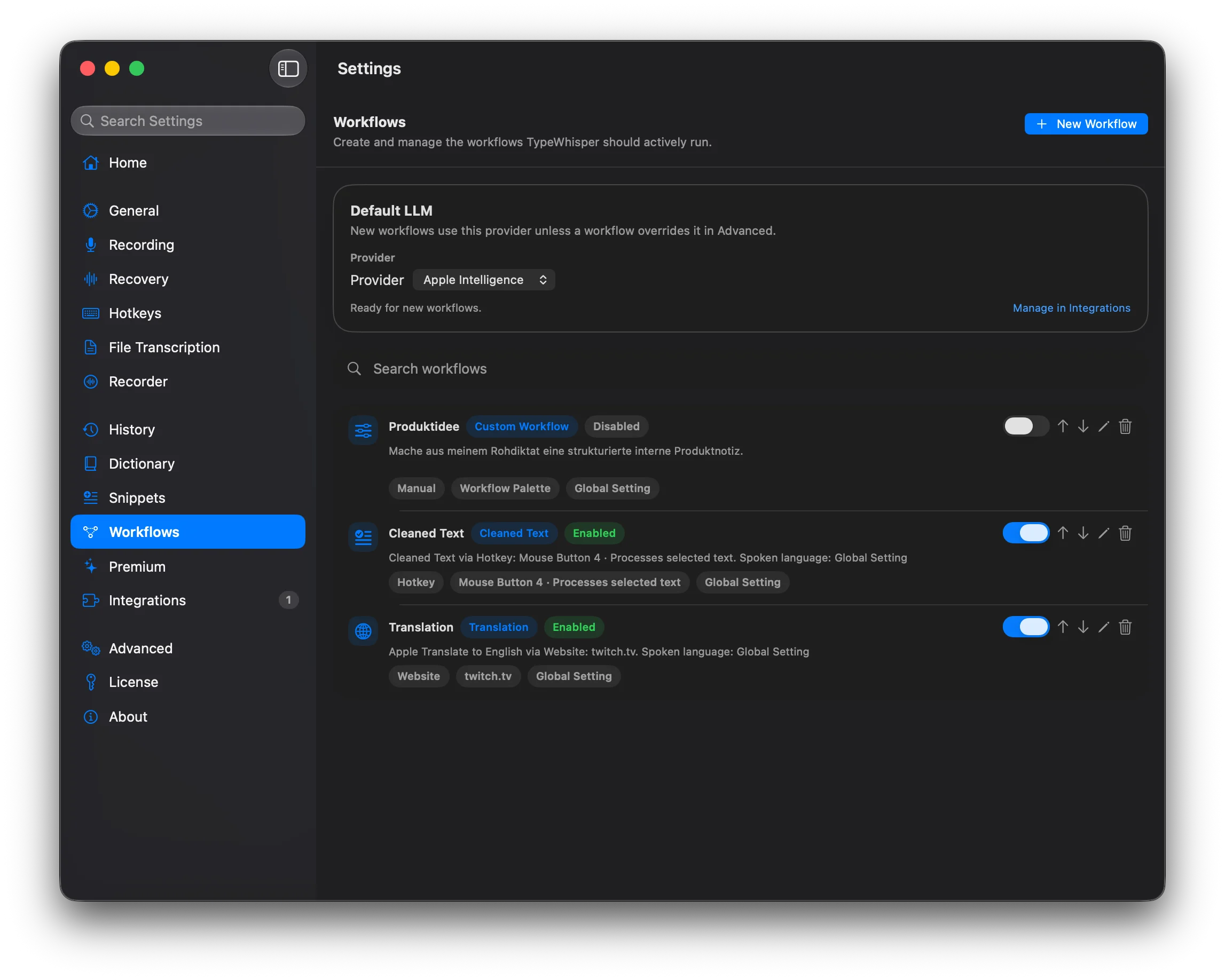
Steps
How it works.
Set Up Workflow
Create an app-aware workflow for your chat app with preferred language and shortcuts.
Dictate
Open Slack, Teams, or Discord and press your shortcut - speak your message.
Send
The transcribed text appears in the chat field, ready to send.
Benefits
What you get out of it.
- Faster response times in team chat
- App-aware language and workflow behavior
- No workflow interruption
- Works with all major chat apps
- Hands-free communication during meetings
Related
More use cases.
All Use Cases- Dictate EmailsWorkflowWrite emails 3x faster - just speak instead of typing. TypeWhisper transcribes your words and inserts them directly into your mail client.
- Dictate CodeWorkflowDictate code comments, documentation, and even simple code snippets. Ideal for developers with RSI or for faster documentation.
- Meeting NotesWorkflowCapture meetings without opening your laptop. Dictate summaries, action items, and decisions right after the conversation.
Download
Ready to try it?
Free and open source for macOS, Windows, and iOS.