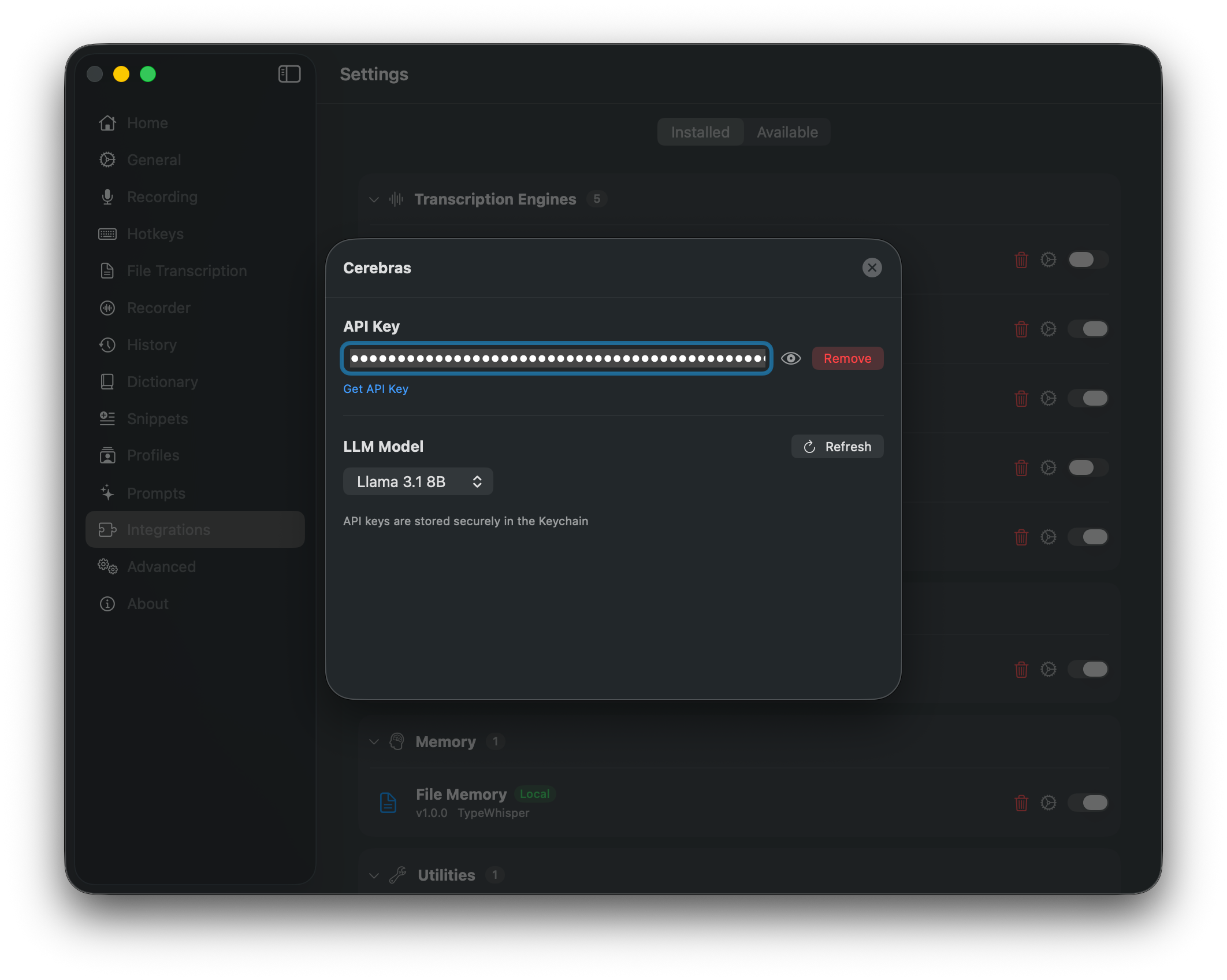
Store, validate, or remove the API key in macOS Keychain
Choose the LLM model and refresh the model catalog
Use the provider default or set a custom temperature
About this edition
Cerebras provides cloud LLMs for TypeWhisper workflows. The macOS edition uses an OpenAI-compatible API and can refresh the model catalog. Model access, speed, and usage limits depend on the selected model and your account.
Features
Cloud LLMs for text workflows
Dynamic model list with refresh from the Cerebras API
OpenAI-compatible API
API keys stored securely in the macOS Keychain
LLM Models
Model
ID
Llama 3.1 8B
llama3.1-8b
GPT-OSS 120B
gpt-oss-120b
Qwen 3 235B
qwen-3-235b-a22b-instruct-2507
ZAI GLM 4.7
zai-glm-4.7
Use the Refresh button to load the latest models from the Cerebras API.
Configuration
API Key - Sign up at cloud.cerebras.ai and generate an API key. Your key is stored securely in the macOS Keychain.
Setup
Open TypeWhisper Settings > Integrations
Find the Cerebras plugin and click Configure
Enter your Cerebras API key
Select an LLM model and choose Cerebras as your LLM provider