

Current App Preview
The complete flow in 30 seconds.
The current Studio cut shows recording, live text, and the return flow through the TypeWhisper keyboard into another text field.
- iPhone / iPad
- iOS 18+
- Apple Watch
- watchOS 11+
- Local core
- No account
Use your Mac
From version 1.2, you pair your iPhone or iPad with TypeWhisper for Mac over the local network. You then transcribe with a speech model on the Mac, use its language models for your formats, or run its text-processing workflows when dictating in the app or keyboard.
The video plays from YouTube (youtube-nocookie.com). Nothing loads from YouTube until you press play. Privacy
- On your Mac, open TypeWhisper Settings > Premium > iPhone and iPad, allow paired devices, and click Pair Device…
- In TypeWhisper on the iPhone, go to Settings > Premium > Mac and choose your Mac under Macs on This Network.
- Check that both devices show the same six-digit code. Tap The Codes Match and approve on the Mac.
- Tap Use for Speech Recognition and choose a model under Model on the Mac, or As Selected on the Mac.
The Mac's language models and workflows are available when Allow Writing with This Mac is on. Each workflow appears as a format at the end of your format list.
Requirements
TypeWhisper for Mac 1.8 or later on the same local network and access to Premium features on both devices. The connection is encrypted. Models selected on the Mac may use the cloud providers configured there.
More than a feature list
The complete iOS guide.
Start with installation and permissions, or jump straight to the workflow you want to set up or fix.
- Installation and first setupRequirements, guided setup, permissions, speech recognition, the first model preparation, and what to set up next for TypeWhisper on iPhone and iPad.
- Dictation and the voice keyboardRecord in TypeWhisper, add the keyboard, dictate into other apps, get back to your text field, keep the keyboard ready, and use it next to a hardware keyboard on iPad.
- Formats, speech recognition, and writing servicesChoose local or optional cloud speech recognition, create formats for recurring tasks, format typed text, translate on device, and compare the result with the original.
- Files, History, and Capture InboxTranscribe audio and video files, share files to TypeWhisper, search and filter History, detect speakers, ask questions about a transcript, and work through the Inbox.
- Dictionary and snippetsTeach TypeWhisper names and specialist terms, add trusted corrections, and expand short triggers into reusable text with live placeholders, after dictation and in the keyboard.
- Apple Watch, Shortcuts, widgets, and Action ButtonRecord from your wrist and follow each recording, save Quick Dictations to Inbox, build automations from the TypeWhisper actions, and use Siri, CarPlay, and widgets.
- Privacy, cloud providers, and PremiumUnderstand what stays on the device, what a selected provider or your Mac receives, why keyboard Full Access is needed, which features require Premium, and how to buy, restore, or redeem it.
- Troubleshooting iPhone, iPad, keyboard, and WatchFix missing permissions, model downloads and preparation, the keyboard return flow, hardware keyboards on iPad, Watch transfers, cloud providers, and Premium sync.
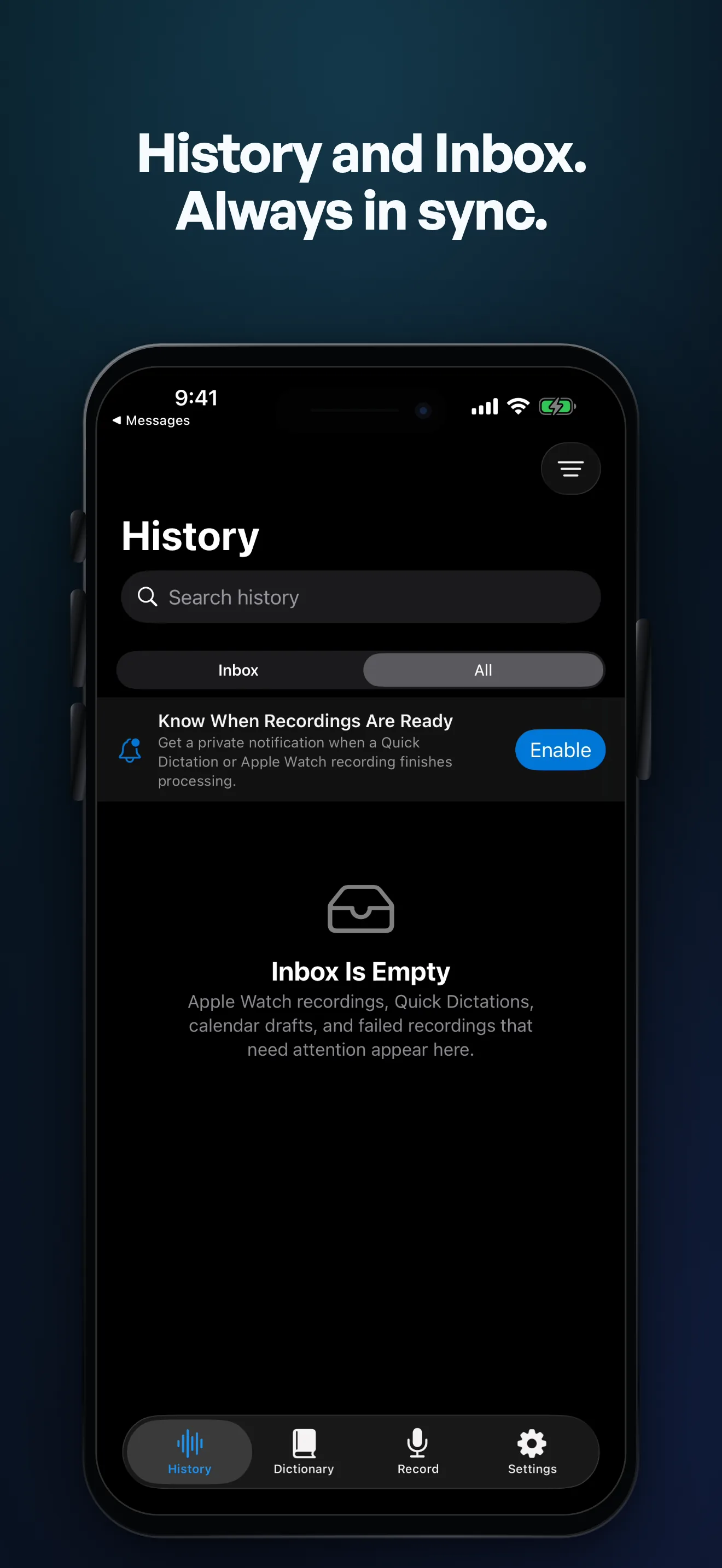
iPhone and iPad, shown as they are now.
These images come from the current localized App Store renders and show recording, keyboard, and History with Capture Inbox.




Capture from your wrist.
Start a focused recording on Apple Watch, transfer it to iPhone, and review the result in Capture Inbox.


Current release status
Version 1.2.4 is available as a stable release for iPhone and iPad on the App Store. The Apple Watch app is included.
Open the App StoreAdded in 1.2.1 to 1.2.4
- Format Text: format pasted or typed text without a recording
- Tools Only keyboard mode, also next to a hardware keyboard, and a hide-keyboard key on iPad
- Result and original side by side on iPad, with highlighted word changes
- Quick Fix and snippets in the keyboard's top bar
- Chinese Pinyin in the keyboard, with all keyboard options under Settings > Keyboard
- Apple Speech with SpeechAnalyzer on iOS and iPadOS 26 and later
- Apple Watch: status for each recording, read aloud, profile switch with the Digital Crown, and double tap
- Apple Watch: Record complication, Latest Transcription in the Smart Stack, and Start Recording in Control Center
- Siri reads your latest note aloud and answers questions about your last recording (Premium), and CarPlay shows pause and stop
- Transcribe Again for finished files, to compare models on the same recording
- Live Local on iPhones with 6 GB of memory (Premium)
What's new in 1.2
- Use your Mac: transcribe with its speech models and write with its language models and workflows (Premium, TypeWhisper for Mac 1.8 or later)
- On-device speaker detection with names, corrected turns, and optional local voice profiles (Premium)
- Read transcripts and results aloud with the voices installed on your device
- Ask questions about a transcript with your selected writing service (Premium)
- Create a dictionary correction from misrecognized text in a transcript (Premium)
- Gemini transcription with a live mode, Soniox live transcription, and Parakeet Ultra on supported devices
- Ogg Opus voice notes, including WhatsApp, and a persistent queue for shared audio and video files
What's new in 1.1
- On-device writing models that process text on the device
- Dictionary imports with a preview
- Recording controls for Control Center and the Action Button
- Optional Meta speech and writing services
- Better VoiceOver support
- Faster and more reliable history search, transcript playback, keyboard suggestions, and audio handling
Direct support
For specific questions about the iOS edition, email hello@typewhisper.com.